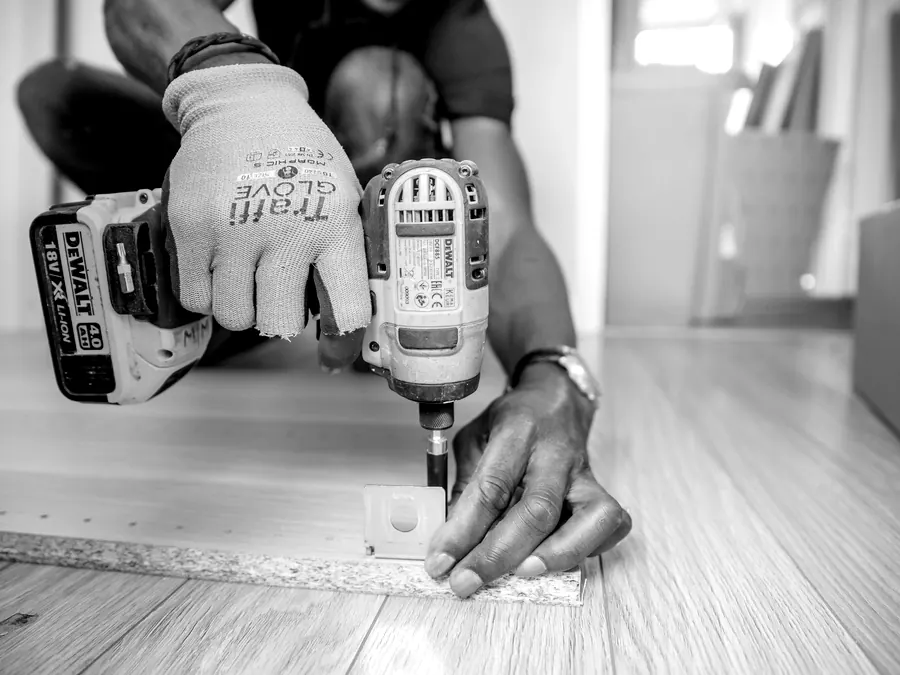
Ask most tradespeople what makes a good website and photos come up quickly. Ask what photos they have, and the answer is often a camera roll full of half-finished jobs, or nothing at all.
You do not need a photographer or expensive kit. You need the habit of taking a few good shots on every job and a rough idea of what customers want to see. This guide gives you both.
Why real photos beat stock images
Homeowners are letting you into their house. They want to know who is turning up and what your work looks like. Stock photos of smiling models in spotless overalls answer neither question, and many people recognise them straight away. They can make a genuine business look like a front.
Real photos do the opposite. A slightly imperfect picture of your van outside a local house, or a neat bathroom you have just finished, tells a customer you are real, local and proud of your work. In our experience, sites built around real job photos feel far more trustworthy than those relying on stock.
You do not need to show every job. Pick the work you are proudest of and the jobs you want more of. If you want more bathroom refits and fewer small repairs, lead with bathrooms.
The shot list for your next job
Next time you are on a job, try to get these:
- Before and after. Stand in the same spot for both. This is the most persuasive photo you can take.
- The finished job, wide. Show the whole room, roof or installation, tidy and well lit.
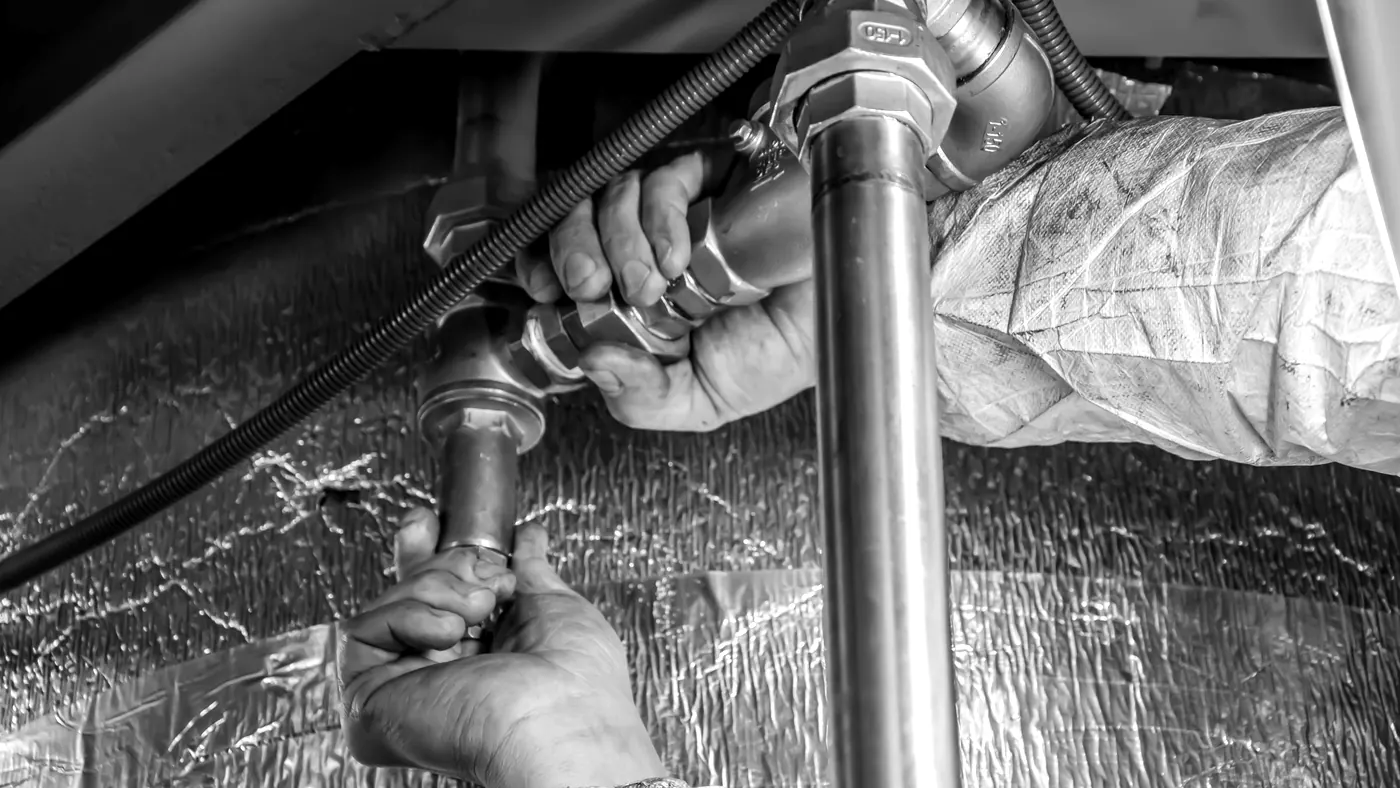
- Close-up detail. Neat pipework, a tidy consumer unit, clean pointing. Other trades notice this and so do fussy customers.
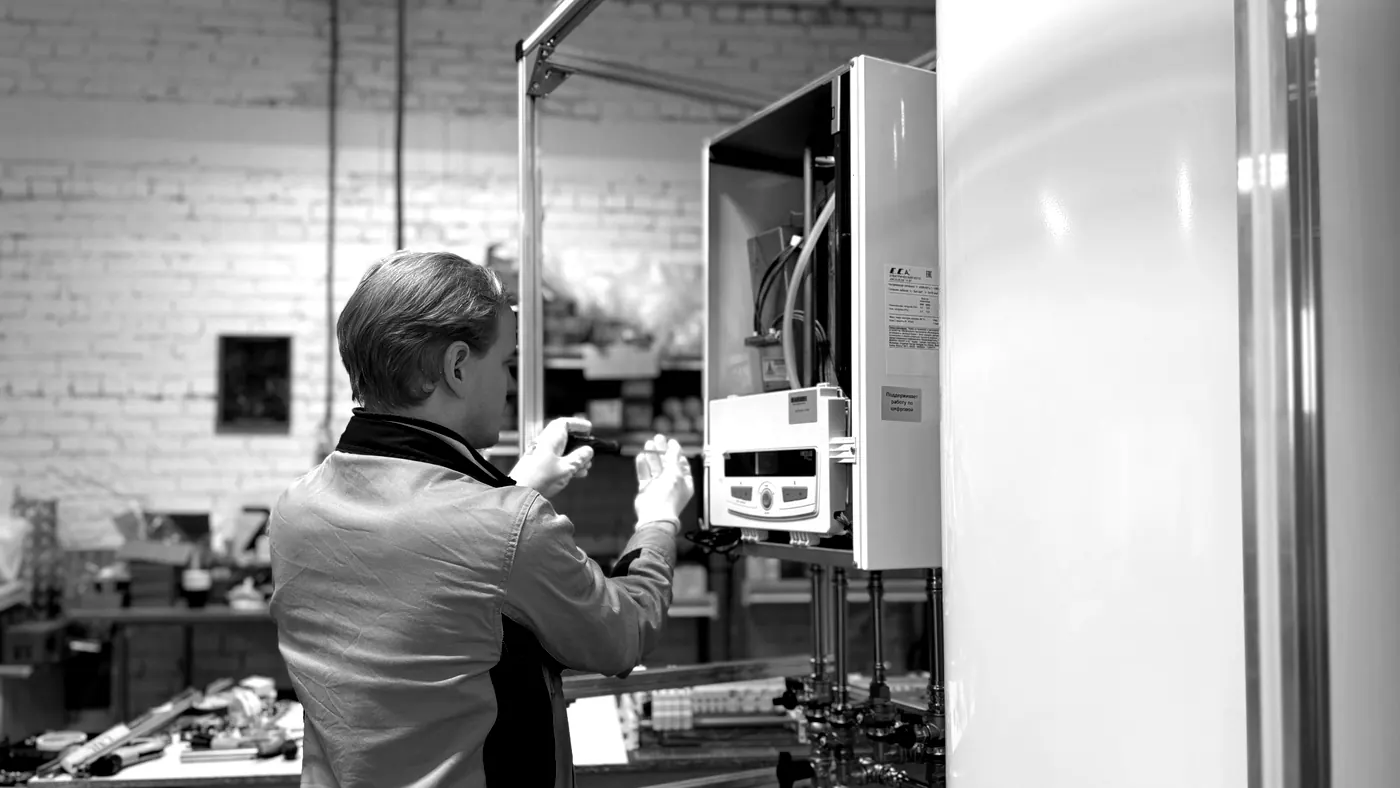
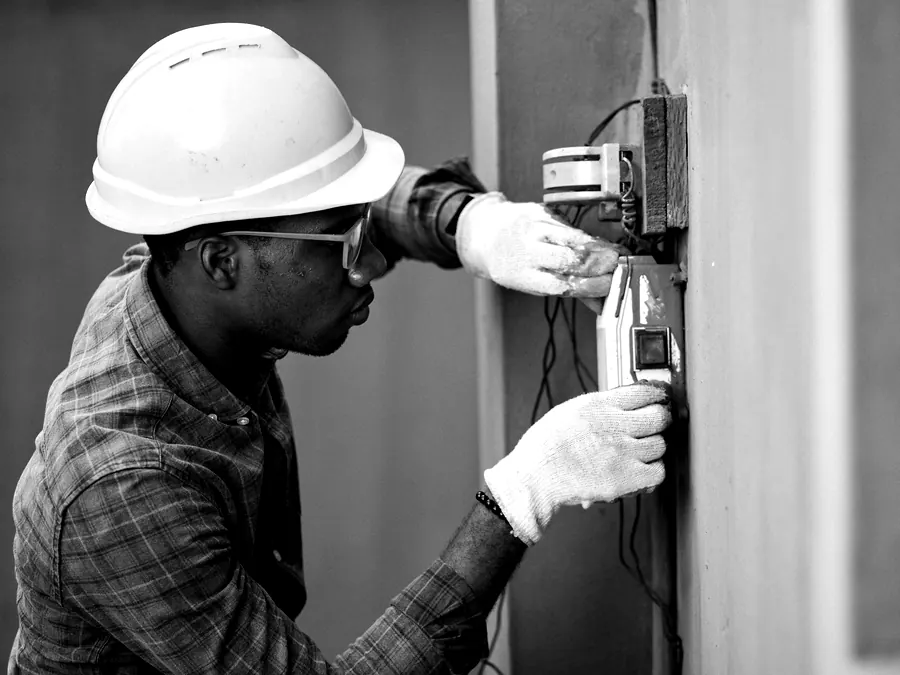
- You or your team at work. Faces build trust. Hands on tools are fine if you are camera shy.
- Your van on a local street. It shows you are real and that you work in the area.
- Kit and materials. A new boiler before fitting, or quality materials on site, show what the customer is paying for.
A photo of the problem you were called out to fix is useful too, such as a corroded valve or a scorched socket. It shows customers what can go wrong and why it matters to use someone qualified.
Always ask the customer before taking photos inside their home, and leave out anything personal such as house numbers, family photos or post.
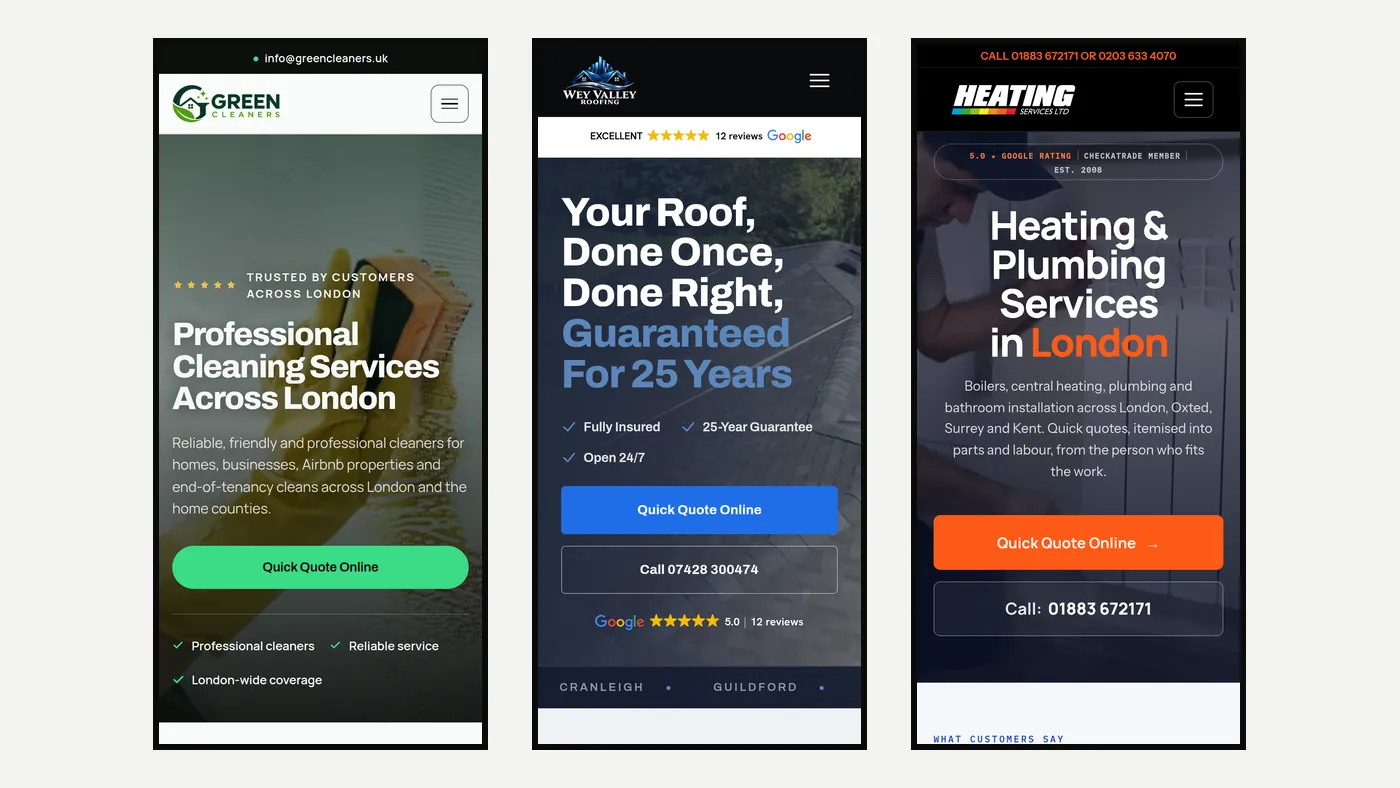
How to take better photos on your phone
- Clean the lens. It sounds obvious, but a smudged lens is the most common reason photos look hazy.
- Use daylight where you can. Open the curtains and turn off harsh overhead lights for a more natural look.
- Hold the phone level and step back. Straight lines look professional and wonky ones do not.
- Tidy first. Move tools, dust sheets and rubbish out of the finished shot.
- Take landscape shots for your website, and a few upright ones for social media and your Google profile.
- Take several and keep the best. It costs nothing.
Go easy on filters and never edit the colours to look unreal. Customers want to see what the job actually looks like, and a photo that looks too polished can raise the same doubts as a stock image.
Where to use them on your website
Your homepage needs one strong photo near the top, ideally of you, your team or a finished job that shows the work you want more of. Service pages should show that exact service: boiler installs on the boiler page, rewires on the electrical page.
Area pages work better with a job from that town. A gallery or recent projects page lets customers who want more reassurance see a range of your work. Add a short caption to each photo saying what the job was and roughly where, such as "Combi boiler swap in a terraced house in Woking". It helps customers and gives Google useful context.
Keep your best photos out of sliders that change every few seconds. Most people never see past the first slide, and sliders tend to slow the page down.
Get them ready for the web
Photos straight off a phone are often very large files. Uploaded as they are, they can make pages slow, especially on a mobile signal. Before they go on your site they should be resized to the size they will be shown at and compressed, ideally in a modern format such as WebP.
Give each file a sensible name, such as boiler-install-woking.webp rather than IMG_4032.jpg, and add a short description for people using screen readers. If your web designer handles this for you, check that they actually do.
Keep the full size originals somewhere safe as well. If you change your website later, you will want them to work from.
Make it a habit
The hardest part is remembering. Some trades find it helps to take the before shots while the kettle boils on arrival and the after shots while packing up. Others keep a shared album that the whole team adds to.
Send your best photos to whoever looks after your website every month or two, and add a few to your Google Business Profile at the same time. Over a year you will build a library of real work that no competitor can copy. If you would like a site built around your own photos, ask for a Quick Quote and we will tell you what we need from you.